Every field type
Text, check box, radio button, drop-down, list and a signature placeholder.

Forms
Fill the forms you're sent, build your own, and move form data in and out. Folielle saves every value so that other PDF readers show exactly what you typed.
Fill
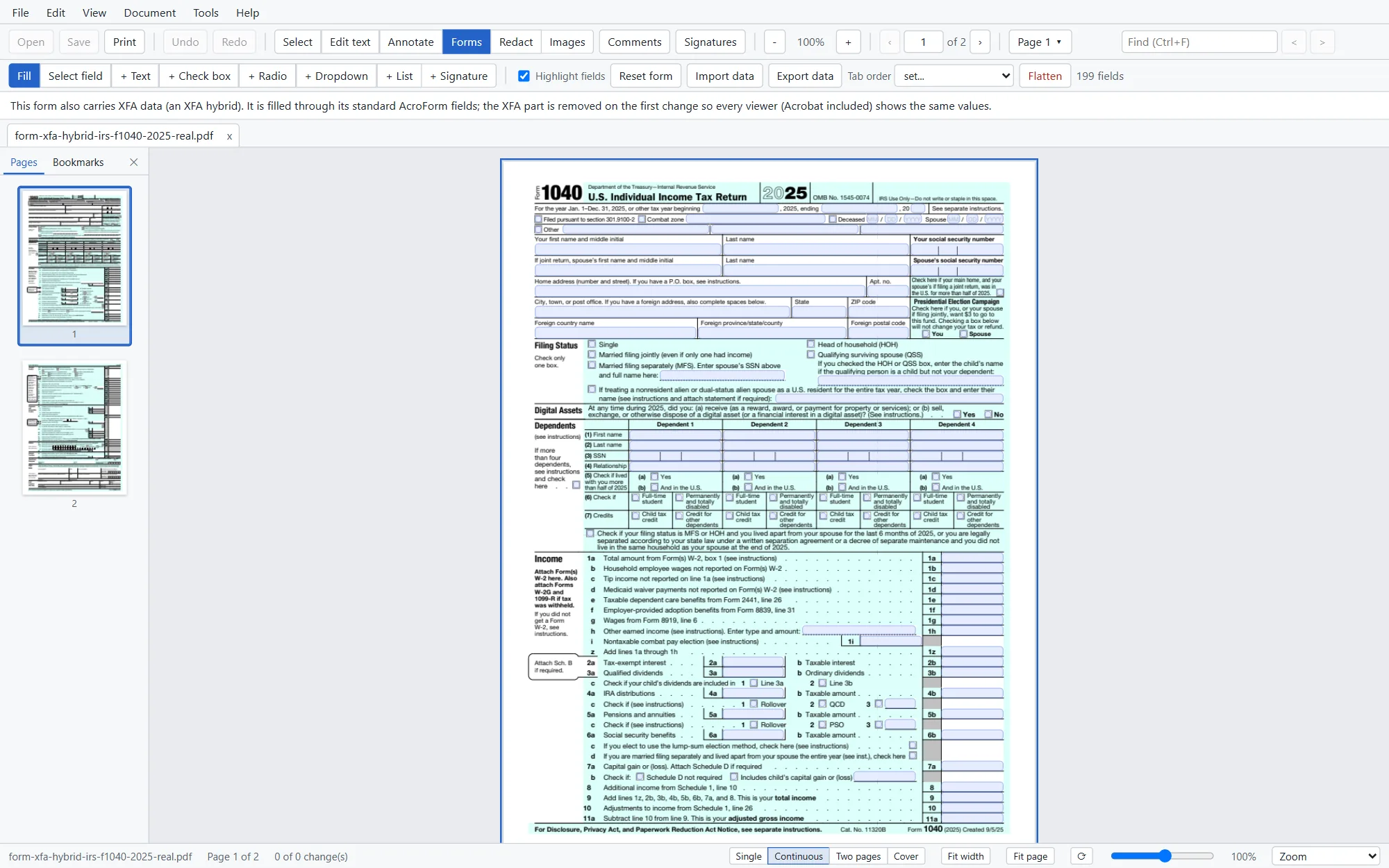
Switch to Forms mode (F) and every field is ready. Tab and Shift + Tab move through the fields in order, and field highlighting shows where they are.
Build
Draw fields onto any page and set them up from the property bar.
Text, check box, radio button, drop-down, list and a signature placeholder.
Rename fields and change their settings. Move and resize them on the page, or delete them.
Set the order by rows, by columns or by the document's structure, so Tab goes where people expect.
Data
Fill a form from saved data, or take the values out of a filled form for another system.
Finish
Save and the values are stored with proper appearances, so the form looks the same in other PDF readers and on paper.
Good to know
No, never. Common formats such as dates, numbers and phone numbers are applied by Folielle itself, so they work without scripts. That also means scripted extras in a form, such as fields that calculate a total, aren't computed yet.
Forms that also contain a standard PDF form (many government forms do) are filled through that standard form. Purely dynamic XFA forms show a clear message instead, with the fallback page the form provides.
Yes. Folielle writes each field's appearance into the file, and our tests check filled forms in independent PDF engines.
You can fill it. Adding, deleting or rearranging fields in a password-protected file isn't supported yet.