Pictures
Select a picture to move, resize, rotate, delete or extract it. Replace it with another JPEG or PNG and keep its place on the page, or insert a new one.

Features
A tour of what Folielle does today. Folielle is still in development, so details may change before release. The screens are the real app.
Edit text and images
Folielle groups each page into words, lines and paragraphs, so you click a paragraph and edit it as a whole. The lines wrap again in the document's own font, and anything below moves down when the paragraph grows.
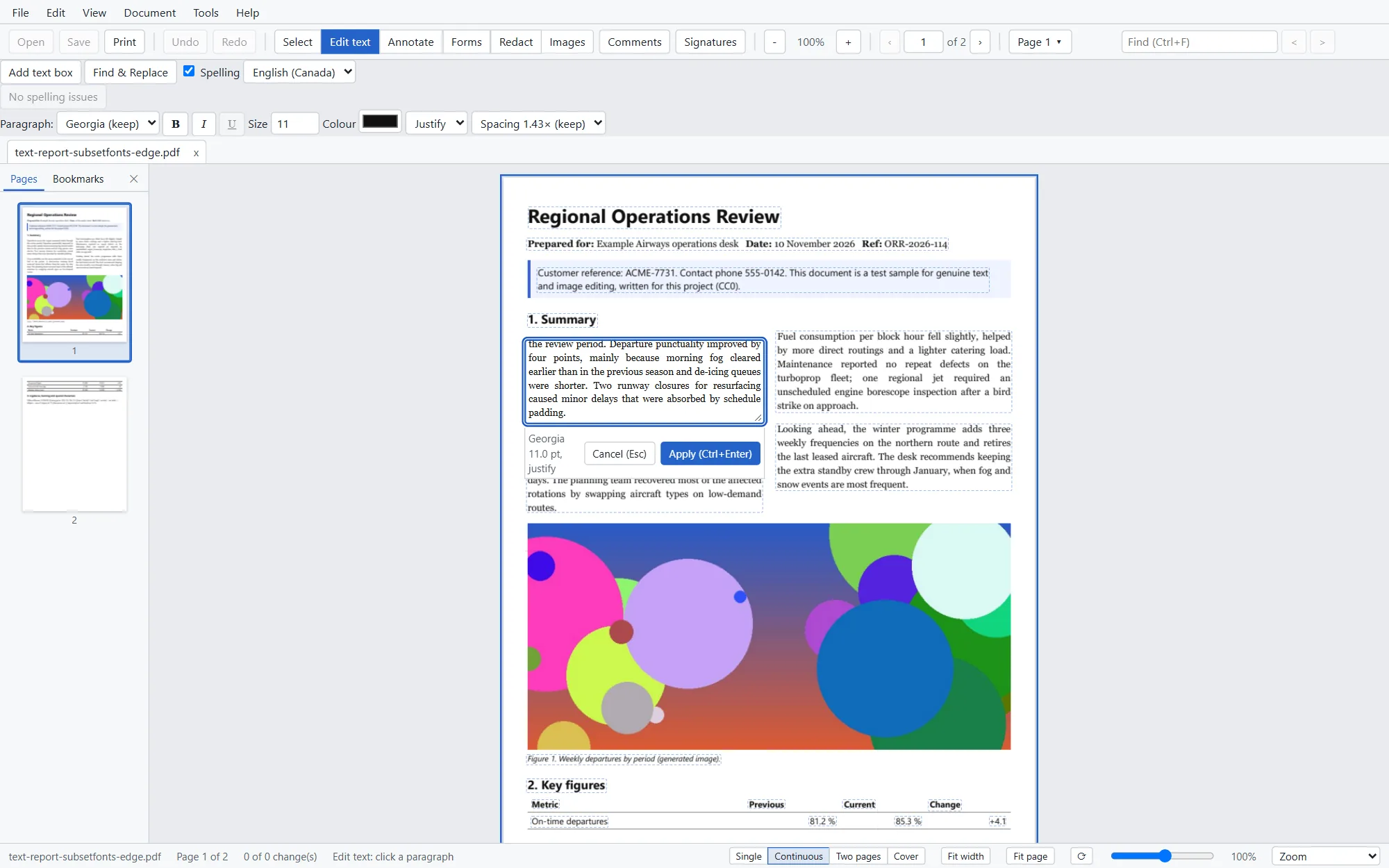
Select a picture to move, resize, rotate, delete or extract it. Replace it with another JPEG or PNG and keep its place on the page, or insert a new one.
Highlight, underline, strike out, sticky notes, text boxes, pen, rectangles, ellipses, lines and arrows, with a comments list to filter and jump.
Undo and redo every change. Your work is kept in a recovery copy, so a crash doesn't cost you the edits since your last save.
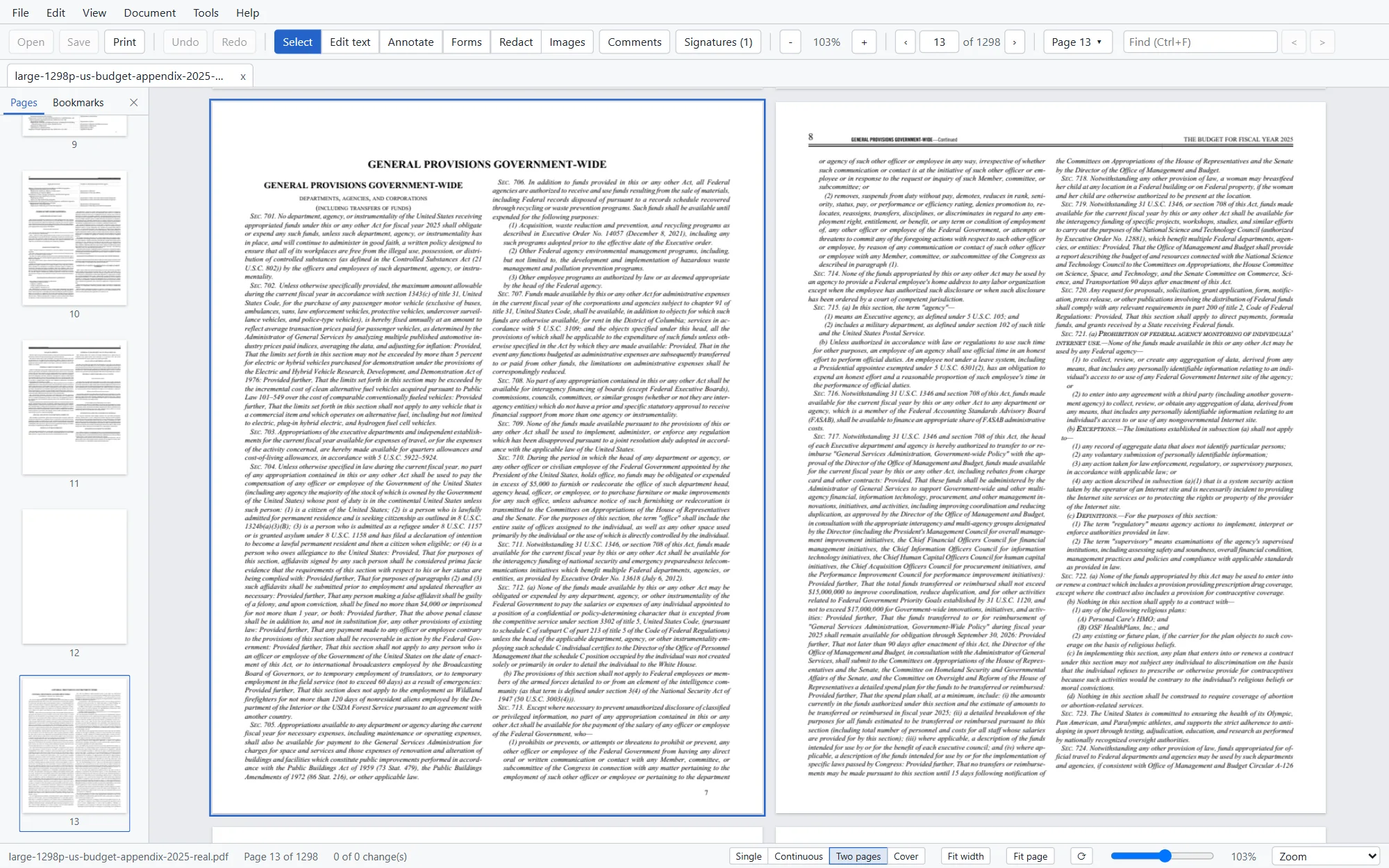
Pages and documents
Select pages in the thumbnails and drag, rotate, delete, extract or insert. Drop a PDF from Explorer onto the thumbnails to insert it exactly where the line shows.
Forms
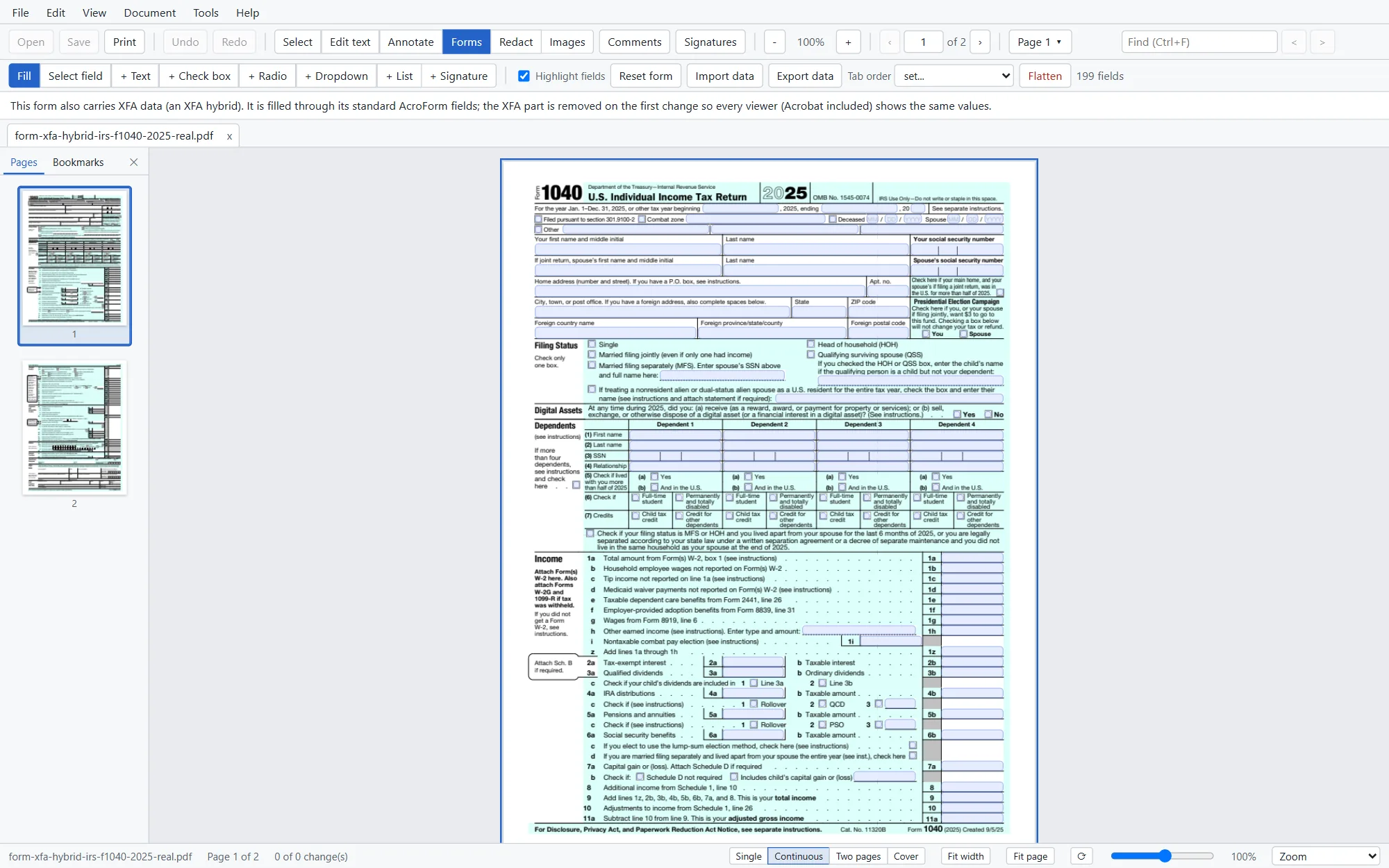
Every common field type, filled the way you expect, and saved so that other PDF readers show what you typed.
Sign and verify
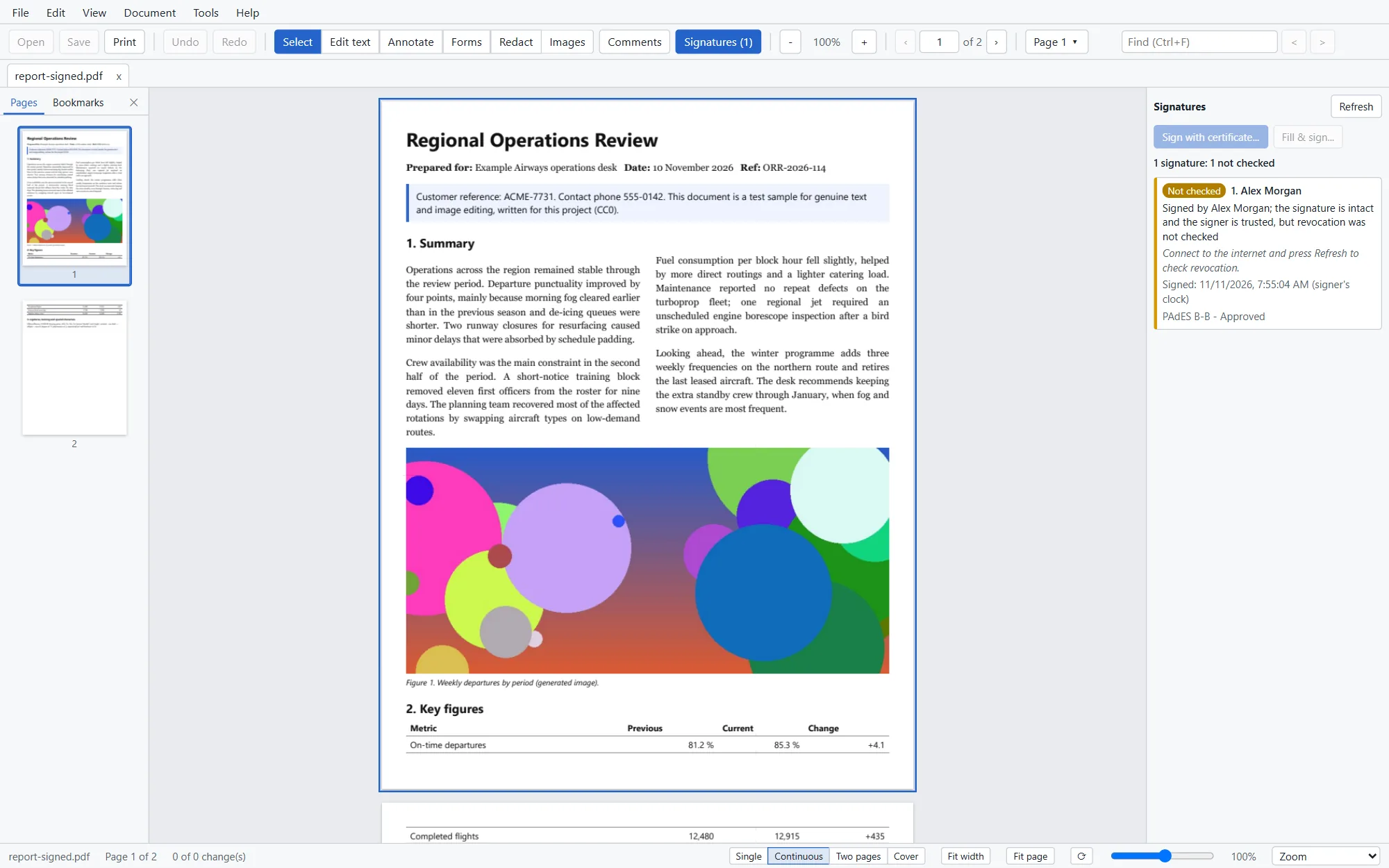
Sign with a certificate from your Windows certificate store, a smart card or token, or a .pfx file. Folielle adds the signature as an update, so the signed bytes stay exactly as they were.
Redact and sanitize
Mark text, an area or every match of a word, review the marks, then apply. Folielle removes what lies underneath and writes a new file.
OCR
Recognize text on scanned pages and Folielle places an invisible text layer behind the image. The page looks the same, and you can search, select and copy.
Compare
Pick two files, or two open tabs with their unsaved edits, and Folielle lines up the pages, even when pages were added or removed.
Compare DocumentsScreenshot coming. The headless preview used for these screens can't run a compare yet.
Convert to Word, Excel and PowerPoint
Export when you need to work in another app, and turn images and Office files into PDFs.
Accessibility and PDF/A
The Accessibility Check lists what passes and what needs work, with links to the page. Most fixes are one click and can be undone.
Printing
A print dialog with a preview on your printer's real paper size and margins.